AI Tools Every Game Development Studio Should Know in 2026
Game development has never been easy. From designing characters to testing gameplay, every stage takes time, creativity, and teamwork. Today, AI tools are quietly changing how game studios work — not by replacing developers, but by helping them work smarter and faster.
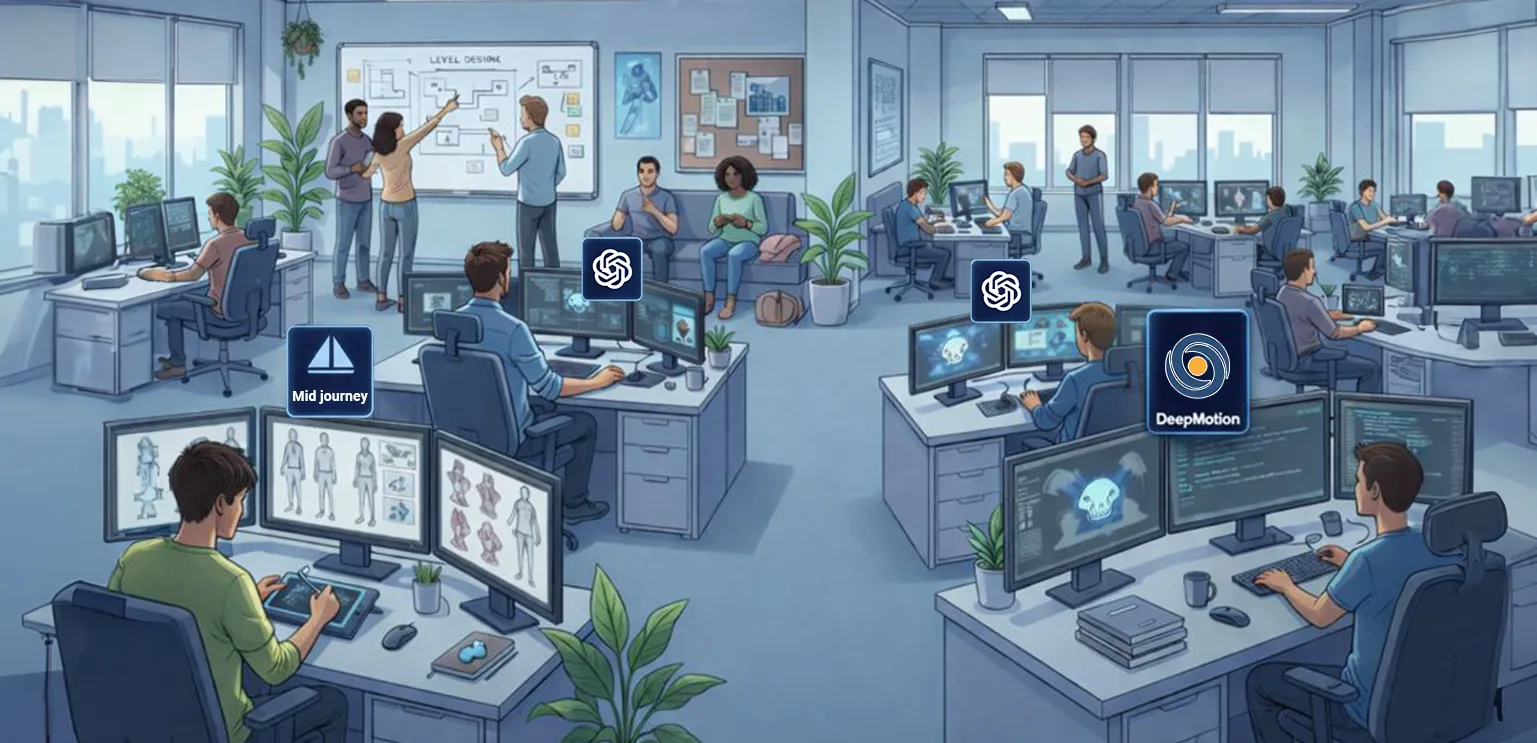
If you run or work in a game development studio, knowing the right AI tools can save time, reduce costs, and improve game quality. In this blog, we’ll explore AI tools every game development studio should know, explained in simple terms.
1. AI Tools for Game Art & Asset Creation
Creating game assets takes a lot of effort. AI can help speed up this process while keeping creativity in human hands.
🔷 Popular Uses
- Generating concept art
- Creating textures and backgrounds
- Upscaling low-resolution images
- Style experimentation
🔷 Helpful AI Tools
- Midjourney – Fast tool for shaping early concepts and visual mood direction
- DALL·E – Great for quick concept art and mood boards
- Leonardo AI – Designed with game assets in mind
Why it matters: Artists spend less time on rough drafts and more time polishing final assets.
2. AI for Game Design & Level Design
AI can help designers test ideas faster and explore more creative possibilities.
🔷 How AI Helps
- Generating level layouts
- Simulating player behavior
- Balancing difficulty
- Suggesting design improvements
🔷 Tools to Know
- DeepSeek – AI model for code understanding and technical problem-solving
- Perplexity – AI-powered research assistant for fast, reliable information
- ChatGPT tools – Brainstorm mechanics, quests, or puzzles
Why it matters: Designers get quick feedback before investing too much time.
3. AI Tools for Coding & Development
Writing clean code takes time. AI coding tools act like a smart assistant for developers.
🔷 What They Do
- Auto-complete code
- Find bugs
- Suggest optimizations
- Explain complex logic
🔷 Useful Tools
- GitHub Copilot – AI pair programmer
- Windsurf – Free alternative for many studios
- Tabnine – AI-powered code suggestions
Why it matters: Developers focus more on logic and gameplay, less on repetitive tasks.
4. AI for Animation & Motion Capture
Animation is one of the most time-consuming parts of game development. AI can reduce manual work without losing quality.
🔷 AI Use Cases
- Automatic character animations
- Facial animation from voice
- Motion cleanup
- Realistic NPC movements
🔷 Tools Worth Exploring
- Kling – AI video generation tool focused on realistic motion and cinematic scenes
- Sora – Text-to-video AI for generating high-quality, story-driven video content
- Luma – AI-powered 3D capture and scene reconstruction from real-world footage
Why it matters: Smaller teams can create high-quality animations without huge budgets.
5. AI in Game Testing & Quality Assurance
Testing games manually takes weeks. AI can help identify issues early.
🔷 What AI Can Test
- Bugs and crashes
- Performance issues
- Gameplay balance
- Player behavior patterns
🔷 AI Testing Tools
- GameDriver – Automated gameplay testing
- Modl.ai – AI agents for gameplay and balance testing
- CodeRabbit – AI-powered code review for pull requests
- Playtesting AI bots – Custom-trained solutions
Why it matters: Faster testing means faster launches and better player experience.
6. AI for NPC Behavior & Game Intelligence
Smart NPCs make games feel alive. AI helps create more natural and dynamic behavior.
🔷 AI Improvements
- Adaptive enemy behavior
- Realistic conversations
- Learning from player actions
- Open-ended interactions
🔷 Tools & Tech
- Behavior Trees + AI models
- LLM-powered dialogue systems
- Custom reinforcement learning models
Why it matters: Players stay engaged longer when the world reacts intelligently.
7. AI for Audio & Voice Design
Sound design often gets overlooked, but AI tools are making it faster and easier.
🔷 AI Audio Tools
- ElevenLabs – AI voice generation
- Replica Studios – Game-ready AI voices
- Adobe AI Audio Tools – Cleanup and enhancement
Why it matters: Studios can prototype voices and sound effects quickly without recording sessions.
8. AI for Marketing & Player Insights
After development, AI still plays a role.
🔷 AI Helps With
- Player behavior analysis
- Community feedback analysis
- Store page optimization
- A/B testing ads
Why it matters: Better data leads to better decisions post-launch.
Final Thoughts
AI tools are not here to replace game developers. They are here to support creativity, speed up production, and reduce repetitive work. Studios that understand and adopt the right AI tools early gain a quiet advantage — smoother workflows, happier teams, and better games.
The key is balance:
- Use AI as a tool, not a shortcut
- Let humans lead creativity
- Let AI handle the heavy lifting
As game development continues to evolve, studios that stay curious and adaptable will always stay ahead.
FAQs
What are AI tools in game development?
AI tools in game development are software solutions that help automate tasks like coding, asset creation, testing, animation, and NPC behavior. They support developers by saving time and improving efficiency.
Can small game studios use AI tools?
Yes. Many AI tools are affordable or even free, making them ideal for small and indie studios. They help small teams produce high-quality games without large budgets.
Do AI tools replace game developers?
No. AI tools do not replace developers. They assist with repetitive or time-consuming tasks so developers can focus more on creativity, design, and gameplay experience.
Which AI tools are best for game art and assets?
Popular AI tools for game art include Midjourney, Leonardo AI, and Runway ML. These tools help with concept art, textures, and visual experimentation.
How does AI help in game testing?
AI helps in automated testing by detecting bugs, crashes, performance issues, and gameplay imbalances faster than manual testing, leading to better-quality games.
Is using AI tools safe for commercial games?
Yes, as long as studios follow licensing rules and use AI tools responsibly. Most professional AI platforms clearly define commercial usage rights.