How to Create Engine-Ready Game Assets for Unity, Unreal, Cocos Creator & PixiJS
Creating visually impressive game assets is one of the most important aspects of game development, but visual quality alone does not guarantee a successful production pipeline. A beautifully designed character, environment, or UI element loses much of its value if it cannot be integrated efficiently into the game engine.
Today's studios develop games across multiple engines, each with its own rendering pipeline, asset formats, optimization requirements, and technical workflows. Whether building mobile casino games in Cocos Creator, browser-based experiences with PixiJS, indie titles in Unity, or AAA productions in Unreal Engine, developers need assets that are ready for implementation—not just attractive artwork.
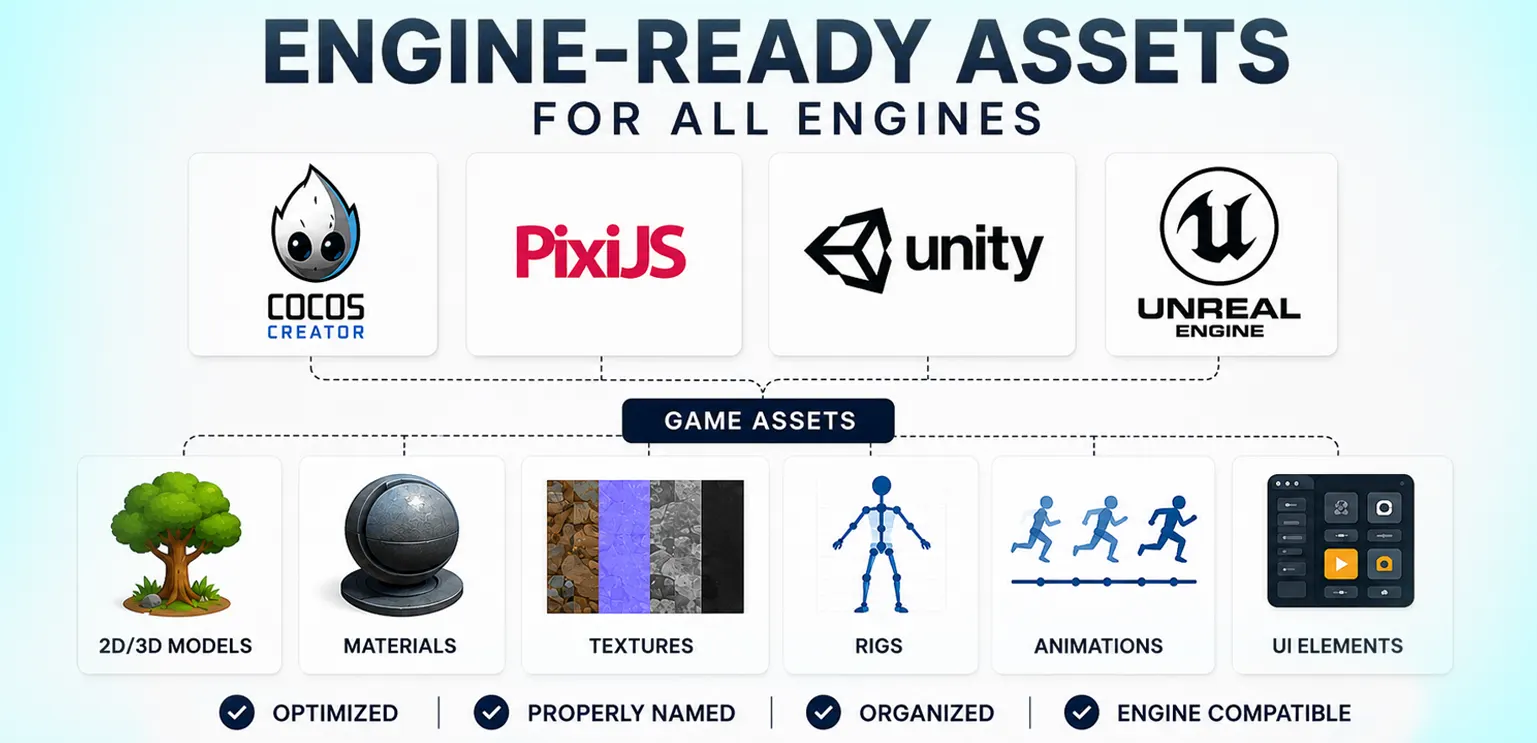
This is where the concept of engine-ready assets becomes essential. Rather than requiring extensive rework after creation, engine-ready assets are designed from the beginning to integrate smoothly into production pipelines. They reduce implementation time, improve performance, simplify collaboration between artists and developers, and help projects reach production milestones more efficiently.
What Are Engine-Ready Assets?
Engine-ready assets are game assets that have been prepared according to the technical requirements of the target game engine before delivery. Instead of handing developers raw artwork, production teams provide assets that already meet the project's specifications for optimization, organization, and implementation. Depending on the project, this preparation may include:
- Correct file formats
- Optimized textures
- Proper naming conventions
- Organized folder structures
- Sprite atlases
- Animation exports
- Pivot point configuration
- Compression settings
- Import-ready asset organization
The objective is simple: developers should be able to import assets with minimal adjustments and immediately begin integrating gameplay functionality.
Why Engine Compatibility Matters
Modern game development rarely follows a one-size-fits-all pipeline. Each engine is designed with different priorities and technical capabilities. For example:
- Cocos Creator is widely used for lightweight mobile and casino games that require efficient rendering and small application sizes.
- PixiJS focuses on high-performance 2D rendering for browser-based and HTML5 games.
- Unity supports both 2D and 3D development across a broad range of platforms with extensive tooling.
- Unreal Engine emphasizes high-fidelity visuals, advanced rendering, and large-scale production.
Although the artistic vision may remain consistent, the technical implementation varies considerably. Creating assets without considering the target engine often results in additional production work, compatibility issues, and unnecessary optimization efforts.
Planning Assets Before Production Begins
Successful asset creation begins long before artists open their preferred design software. The production team should first establish technical requirements that define how assets will be used throughout development. These typically include:
- Target engine
- Supported platforms
- Resolution standards
- Memory budgets
- Performance targets
- Animation requirements
- Export specifications
By documenting these requirements early, studios reduce misunderstandings between artists and developers while improving production efficiency. This planning stage also minimizes revisions during implementation.
Creating Assets for Cocos Creator
Cocos Creator is particularly popular for mobile games, casual titles, and casino game development because of its lightweight architecture and efficient 2D rendering. When preparing assets for Cocos Creator, production teams generally prioritize:
- Optimized sprite atlases
- Efficient texture compression
- Lightweight animation systems
- Consistent node hierarchies
- Organized asset references
- Small package sizes
Since many Cocos projects target lower-powered mobile devices, optimization often becomes just as important as visual quality. Efficient asset preparation contributes directly to smoother gameplay and faster loading times.
Preparing Assets for PixiJS
PixiJS powers a large number of HTML5 games where browser performance plays a critical role. Unlike traditional game engines, PixiJS operates within browser environments, making file size and rendering efficiency particularly important. Artists preparing assets for PixiJS often focus on:
- Optimized PNG or WebP textures
- Sprite sheet generation
- Texture atlas organization
- Efficient animation sequences
- Responsive UI layouts
- Minimal draw calls
Well-prepared assets help browser games maintain smooth frame rates across desktop and mobile devices without compromising visual quality.
Asset Requirements for Unity
Unity supports an extensive range of genres, platforms, and rendering pipelines, making flexibility one of its greatest strengths. Because Unity projects vary significantly, asset preparation often depends on the project's technical architecture. Common considerations include:
- Texture import settings
- Material compatibility
- Animation controller integration
- Prefab organization
- Level-of-detail (LOD) configuration
- Addressable asset management
Maintaining consistency across large Unity projects requires standardized naming conventions and organized folder structures that simplify collaboration between multiple departments.
Optimizing Assets for Unreal Engine
Unreal Engine is known for delivering high-end graphics and cinematic-quality experiences. However, advanced rendering capabilities also introduce greater technical complexity. Artists preparing Unreal-ready assets typically pay close attention to:
- Physically Based Rendering (PBR) materials
- High-quality UV mapping
- LOD generation
- Collision setup
- Nanite compatibility (where applicable)
- Lighting optimization
- Blueprint integration support
Proper preparation allows artists to maximize Unreal's visual capabilities while maintaining efficient runtime performance.
The Importance of Consistent Naming and Organization
One of the most overlooked aspects of engine-ready production is organization. Large projects may contain tens of thousands of assets created by multiple artists across different locations. Without consistent naming conventions and folder structures, implementation quickly becomes inefficient. Well-organized asset libraries improve:
- Developer productivity
- Version control
- Asset discovery
- Production scalability
- Team collaboration
Simple organizational standards often save hundreds of production hours during a project.
Optimization Should Never Be an Afterthought
Optimization is frequently misunderstood as something that happens after art production is complete. In reality, optimization should begin during asset creation. Technical artists and production teams often evaluate:
- Texture resolution
- Polygon budgets
- Memory usage
- Compression settings
- Shader complexity
- Animation performance
Early optimization reduces the need for expensive revisions later in development while improving overall game performance.
Building Reusable Asset Pipelines
Modern studios increasingly design assets with reusability in mind. Rather than creating every asset from scratch, production pipelines often include modular systems that support rapid content creation. Examples include:
- Shared material libraries
- Modular environments
- Reusable UI components
- Standardized animation rigs
- Template-based VFX
Reusable assets accelerate production while maintaining visual consistency across large projects.
Technical Artists Play a Critical Role
Engine-ready production depends heavily on collaboration between artists and technical specialists. Technical artists help bridge creative and engineering teams by ensuring assets meet engine requirements before implementation. Their responsibilities often include:
- Pipeline development
- Shader creation
- Import workflow optimization
- Asset validation
- Performance testing
- Tool automation
By resolving technical issues early, technical artists help prevent production bottlenecks and reduce implementation time.
Quality Assurance Before Delivery
Before assets are delivered to developers, they should undergo technical validation in addition to artistic review. An effective QA process typically verifies:
- File integrity
- Naming consistency
- Engine compatibility
- Animation functionality
- Rendering performance
- Memory optimization
- Packaging standards
Technical validation helps ensure assets are production-ready rather than simply visually complete.
Why Many Studios Outsource Engine-Ready Asset Production
As development schedules become more demanding, many studios choose to outsource engine-ready asset creation instead of preparing assets internally. Specialized production partners understand the technical requirements of different engines and deliver assets that integrate directly into existing workflows. Studios benefit from:
- Faster production
- Reduced implementation effort
- Consistent technical standards
- Experienced technical artists
- Scalable production capacity
- Cross-engine expertise
Studios such as Gamix Labs support developers by creating engine-ready assets for platforms including Cocos Creator, PixiJS, Unity, and Unreal Engine. By aligning art production with technical implementation requirements, external teams help reduce integration time and improve production efficiency.
Future Trends in Engine-Ready Asset Production
Asset production continues to evolve alongside game engine technology. Several trends are shaping the future:
- AI-assisted asset preparation
- Automated optimization pipelines
- Procedural asset generation
- Universal asset management systems
- Real-time collaborative workflows
- Cross-platform production standards
As development pipelines become increasingly automated, artists will spend less time on repetitive technical tasks and more time focusing on creative work. However, the need for technically optimized, engine-ready assets will remain essential.
Strategic Takeaways for Studios
Creating beautiful artwork is only one part of successful game development. The true value of an asset lies in how efficiently it integrates into production. Studios that prioritize engine-ready workflows gain several advantages:
- Faster implementation
- Reduced technical revisions
- Improved collaboration
- Better runtime performance
- More scalable production pipelines
- Shorter development cycles
Whether developing games for Cocos Creator, PixiJS, Unity, or Unreal Engine, technical preparation is just as important as artistic execution.
Conclusion
Engine-ready assets have become a cornerstone of modern game production. As studios develop increasingly complex projects across multiple engines and platforms, the ability to deliver technically optimized assets directly into production pipelines creates a significant competitive advantage.
By planning for engine requirements from the beginning, maintaining consistent technical standards, and combining artistic creativity with production efficiency, studios can reduce development delays while improving overall game quality. Ultimately, the best assets are not simply the ones that look impressive—they are the ones that move seamlessly from the art department into a working game.
FAQs
What are engine-ready game assets?
Engine-ready assets are optimized and organized game assets prepared for direct integration into a specific game engine with minimal additional work.
Why are engine-ready assets important?
They reduce implementation time, improve performance, and simplify collaboration between artists and developers.
How do asset requirements differ between Unity, Unreal, Cocos Creator, and PixiJS?
Each engine has unique import settings, rendering pipelines, optimization requirements, and workflow standards, requiring different technical preparation.
What role do technical artists play in asset production?
Technical artists optimize assets, develop workflows, automate pipelines, and ensure compatibility with target engines.
Can one asset work across multiple game engines?
Yes, but it often requires engine-specific optimization, export settings, and implementation adjustments.
Why do studios outsource engine-ready asset production?
Outsourcing provides access to experienced teams that understand engine-specific requirements, enabling faster production and smoother implementation.