Git for Game Development: Advanced Workflows, LFS & Studio Best Practices
Git is widely considered the default version control system—but in game development, it’s also one of the most misunderstood tools. Many teams adopt Git assuming it will “just work” like it does in web or app development. Then reality hits.
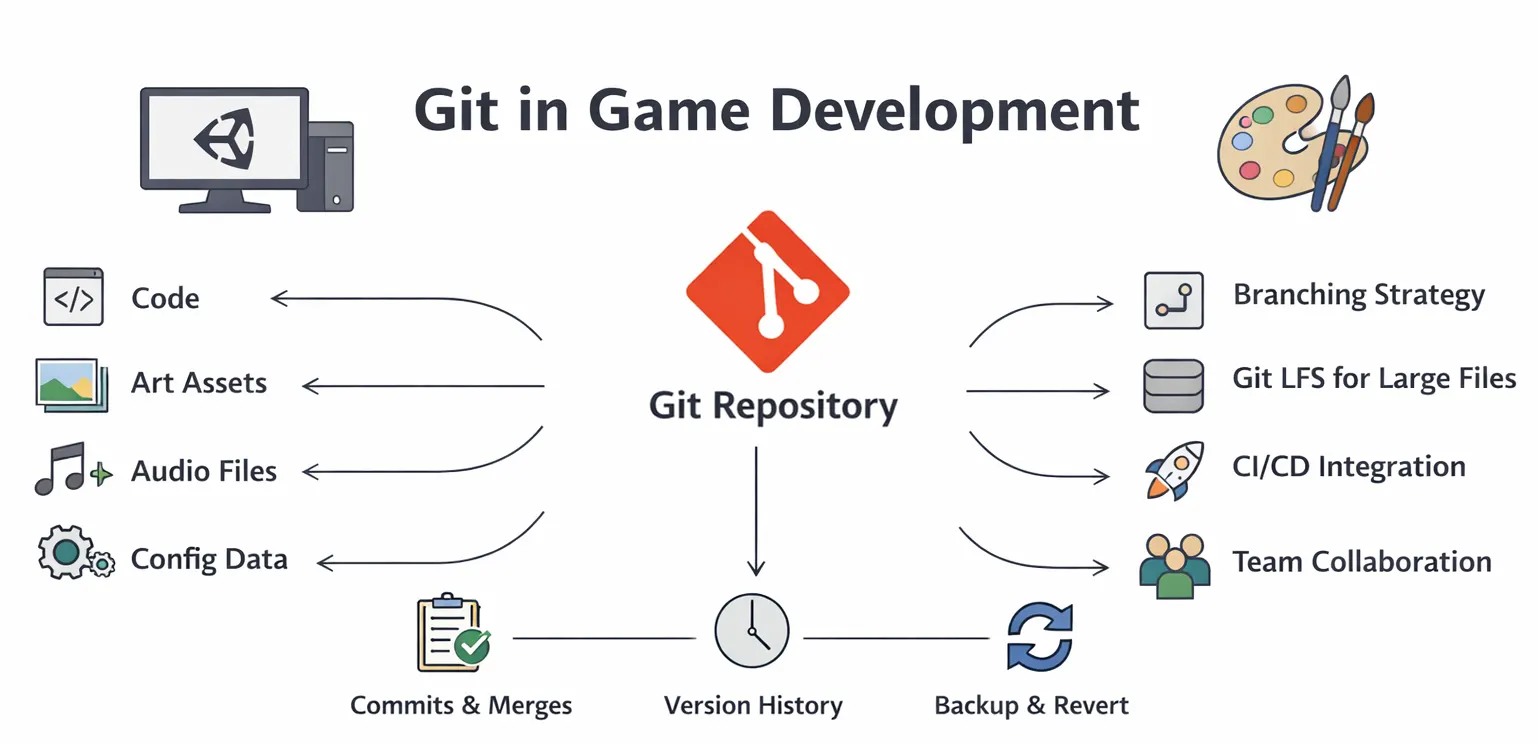
Artists overwrite files. Unity scenes break. Repositories become slow. Merge conflicts start appearing in places no one expected. The problem isn’t Git itself. The problem is that game development is fundamentally different from traditional software development, and Git needs to be adapted accordingly.
This guide is not about basic Git commands. It’s about how real studios use Git in production—what works, what breaks, and how to design workflows that scale.
Industry Context: Why Version Control Is Harder in Games
Game development combines multiple disciplines into a single pipeline:
- Programming
- Art production
- Animation
- Audio
- Design systems
Each of these introduces different types of files and workflows. Unlike code, most game assets are binary, meaning they cannot be merged line by line.
This creates a critical constraint:
Two people working on the same asset at the same time will almost always lead to conflict.
This is why version control in games is not just a technical system—it’s a production design problem. Studios that succeed don’t rely on Git alone. They design pipelines that reduce conflict before it happens.
Git in Game Development: What It Really Does
At a practical level, Git provides three core benefits to game teams:
- It preserves history, allowing teams to roll back changes safely.
- It enables parallel development through branching.
- It creates a shared system where all disciplines can collaborate.
However, Git does not solve:
- Asset conflicts
- Large file performance
- Poor team coordination
Those must be addressed through workflow design.
Setting Up Git for Game Projects (The Right Way)
🔹 Choosing a Platform That Supports Game Workflows
Most teams rely on platforms like GitHub or GitLab, but the choice is less important than how you configure them. For game teams, the key requirement is support for large files, automation, and access control.
🔹 Why Git LFS Is Non-Negotiable
Game projects quickly become heavy due to textures, models, animations, and audio. Using Git Large File Storage is essential. It prevents repositories from becoming bloated and keeps performance manageable. Without Git LFS, teams often experience:
- Extremely slow cloning
- Large repository sizes
- Difficult collaboration
🔹 Unity Configuration: Where Most Teams Go Wrong
Unity projects require specific setup to work correctly with Git. The most critical settings include:
- Enabling visible meta files
- Forcing text serialization
These ensure that asset references remain consistent across machines.
When these are not configured, teams encounter issues like missing assets, broken prefabs, or duplicated references—problems that are often misdiagnosed as “Git issues” but are actually pipeline misconfigurations.
Real Workflow Design: How Studios Actually Use Git
🔹 Feature-Based Development
Most professional teams avoid working directly on the main branch. Instead, they use a structure where developers create isolated branches for each feature, then merge them after validation. This allows experimentation without risking the stability of the core build.
🔹 Why Simple Workflows Often Beat Complex Ones
While frameworks like GitFlow are popular, many game studios prefer simplified workflows. Game development involves frequent iteration, and overly complex branching strategies can slow teams down. In practice, many teams use:
- A stable main branch
- A development branch
- Short-lived feature branches
The key is not complexity—it’s consistency.
Managing Art and Assets: The Real Challenge
This is where most Git implementations fail. Unlike code, assets cannot be merged easily. If two artists modify the same file, one version is usually lost. Studios address this problem through process, not tools.
They assign ownership of assets, ensuring that only one person works on a specific file at a time. They also structure projects so that assets are modular and independent.
For example, in slot game production, teams often break down visuals into reusable components—symbols, UI elements, animation layers. Studios like Gamix Labs design these assets in a way that minimizes overlap, making version control more manageable and reducing the likelihood of conflicts.
This is a critical insight:
Good asset design reduces version control problems.
Git vs Perforce: When Git Is Not Enough
One of the most important—and often ignored—discussions is whether Git is always the right choice. Git works extremely well for:
- Small to mid-sized teams
- Code-heavy projects
- Modular asset pipelines
However, for large-scale productions with heavy binary assets, tools like Perforce Helix Core are often preferred. Perforce offers file locking, which prevents multiple users from editing the same asset simultaneously. This eliminates conflicts but introduces stricter workflows.
The decision between Git and Perforce should be based on:
- Team size
- Asset complexity
- Production scale
Using Git without adapting workflows to its limitations is one of the most common mistakes studios make.
CI/CD Integration: Turning Git into a Production System
Git becomes significantly more powerful when integrated with CI/CD pipelines. Automation allows teams to:
- Build the game automatically after commits
- Run tests
- Detect issues early
In Unity projects, this often involves triggering builds whenever changes are pushed to specific branches. This transforms Git from a storage system into a quality control mechanism.
Real Production Scenario: What Happens When Git Breaks
Consider a common scenario.
A Unity team is working on a feature update. Two developers modify the same scene file. Simultaneously, an artist updates related assets.
When changes are merged:
- Scene references break
- Prefabs lose connections
- Unexpected bugs appear
This is not a rare edge case—it’s a frequent production issue.
Teams that handle this well typically:
- Avoid simultaneous editing of critical files
- Split scenes into smaller components
- Use prefabs and modular structures
The lesson is clear:
Version control issues are often symptoms of deeper structural problems in the project.
Common Mistakes Game Studios Make with Git
Many issues arise not from Git itself, but from how teams use it.
One of the most common mistakes is committing large batches of changes infrequently. This makes it difficult to track issues and increases the risk of conflicts. Another problem is treating Git as a backup system rather than a collaboration tool.
Teams also often ignore onboarding. When team members use Git inconsistently, even well-designed workflows break down.
Best Practices for Scalable Git Workflows
Studios that successfully scale Git workflows focus on discipline and structure.
They keep commits small and meaningful, making it easier to track changes and debug issues. They also establish clear ownership of assets, reducing conflicts between team members.
Automation plays a key role. By integrating Git with build and testing systems, teams ensure that every change is validated before it reaches production.
Most importantly, they align Git workflows with their production pipelines, rather than forcing generic practices onto game development.
Future Trends: Version Control Is Evolving with Game Development
Version control systems are evolving to better support game workflows. We are seeing improvements in:
- Large file handling
- Cloud-based collaboration
- Integration with development tools
Simultaneously, pipelines are becoming more interconnected. Version control is no longer isolated—it’s part of a larger system that includes CI/CD, Live Ops, and analytics. This means that mastering Git is not just about managing code—it’s about understanding how it fits into the entire production ecosystem.
Conclusion
Git is a powerful tool, but it is not a complete solution on its own. In game development, success depends on how well Git is integrated into your workflows, asset pipelines, and team structure. Studios that treat Git as a core production system—rather than just a tool—gain significant advantages in stability, collaboration, and scalability. Those that don’t often face the same recurring issues, regardless of project size.
The difference is not the tool.
It’s how you use it.
FAQs
Is Git suitable for game development?
Yes, especially for small to mid-sized teams, but it requires proper workflows and Git LFS for handling large assets.
What is Git LFS and why is it important?
Git LFS manages large files like textures and audio efficiently, preventing repositories from becoming slow and unmanageable.
How do game teams avoid asset conflicts in Git?
By assigning ownership, structuring assets modularly, and avoiding simultaneous edits on the same files.
Is Git better than Perforce for games?
Git is flexible and widely used, but Perforce is often better for large teams with heavy asset pipelines due to file locking.
How is Git used with Unity?
Unity projects use Git with meta files and text serialization to maintain asset references and prevent conflicts.
What is the biggest mistake teams make with Git?
Treating it as a backup tool instead of a structured collaboration system with defined workflows.